Pixel Bead guide
How to Choose the Right Grid Size
Match pattern dimensions to your boards, patience, and photo — what Small, Medium, Large, and Custom really change in the converter.
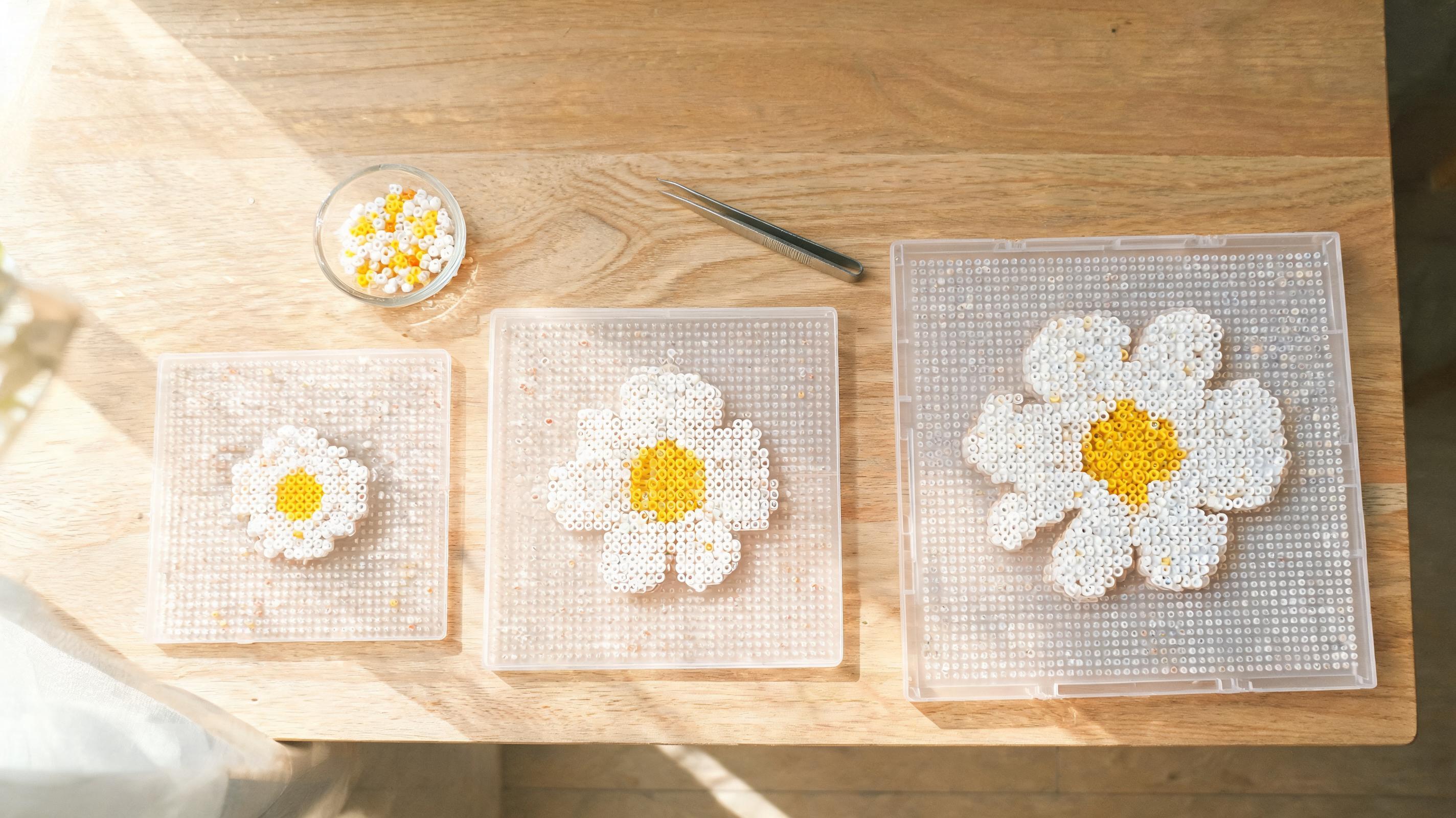
What It Changes
Pattern size sets the target width in pegs and derives height from the source image. Every filled cell becomes one bead. Larger grids keep more detail but need more beads, colors, and build time. Custom dimensions create a fixed width and height when a board layout matters more than the source ratio.
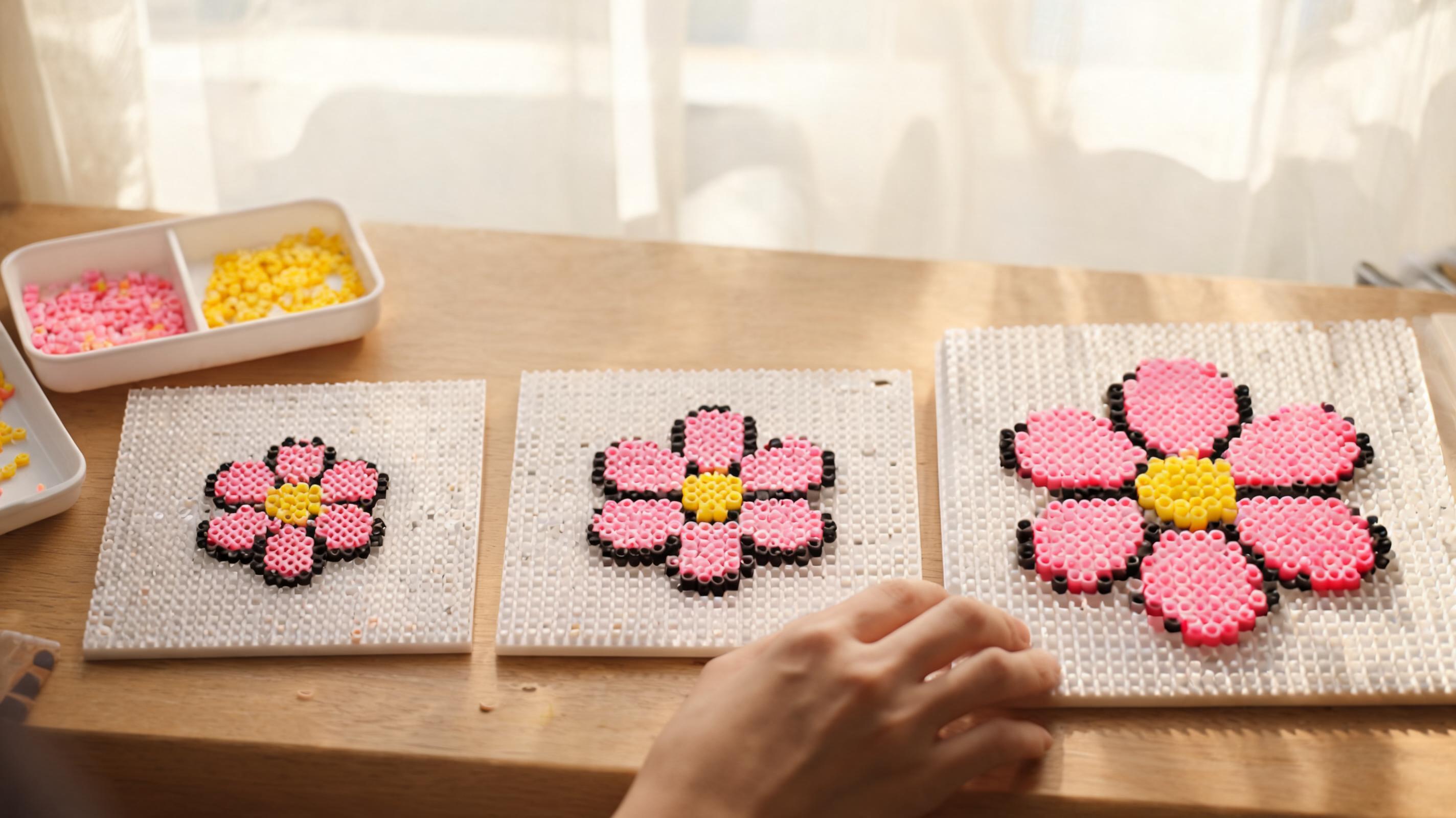
- Small · 29 wide — compact icons and quick trials.
- Medium · 58 wide — balanced detail for portraits and most photos.
- Large · 87 wide — higher detail for larger physical builds.
- Custom — type width and height; the cell counter and board estimate update live.
When to Use It
Pick Small for icons, logos, and first projects. Choose Medium for portraits and most photos — it is the default for a reason. Reserve Large for wall art when you accept a long build and many color jars.
- Match a physical board you already own with Custom dimensions.
- Start smaller when testing a new photo; re-upload at Medium once you like the crop.
- Pixel art imports should match native pixel dimensions (32×32 art → 32×32 grid).
What Can Go Wrong
Oversizing a noisy phone photo magnifies blur into random single-bead specks. Undersizing a detailed portrait merges eyes and lips into blobs.
- Grids above the app cell limit show a warning; reduce dimensions before converting.
- Changing size after editing clears manual touch-ups — save first if you already painted fixes.
Recommended Starting Point
Medium (58 beads wide, with proportional height) and your actual bead brand is the best default for photos. For Create from Scratch, start at 1 board (29×29) unless you know the finished piece must span multiple boards.
What to Check in the Preview
Zoom the preview (View full image) and scan eyes, text, and thin outlines. If features blur together, increase grid size or adjust crop. If the pattern looks speckled and busy, keep Dithering Off, improve the source, or use cleanup for isolated beads.
- Board estimate — do you have enough physical boards?
- Color count in the right panel — more than 30 colors on a first build is a warning sign.
- Single-bead islands — run Apply cleanup after sizing feels right.