Pixel Bead guide
What Are Pixel Beads?
The materials, grid logic, and vocabulary behind fuse-bead craft — and how Pixel Bead studio maps them to digital tools.
How Pixel Beads Work
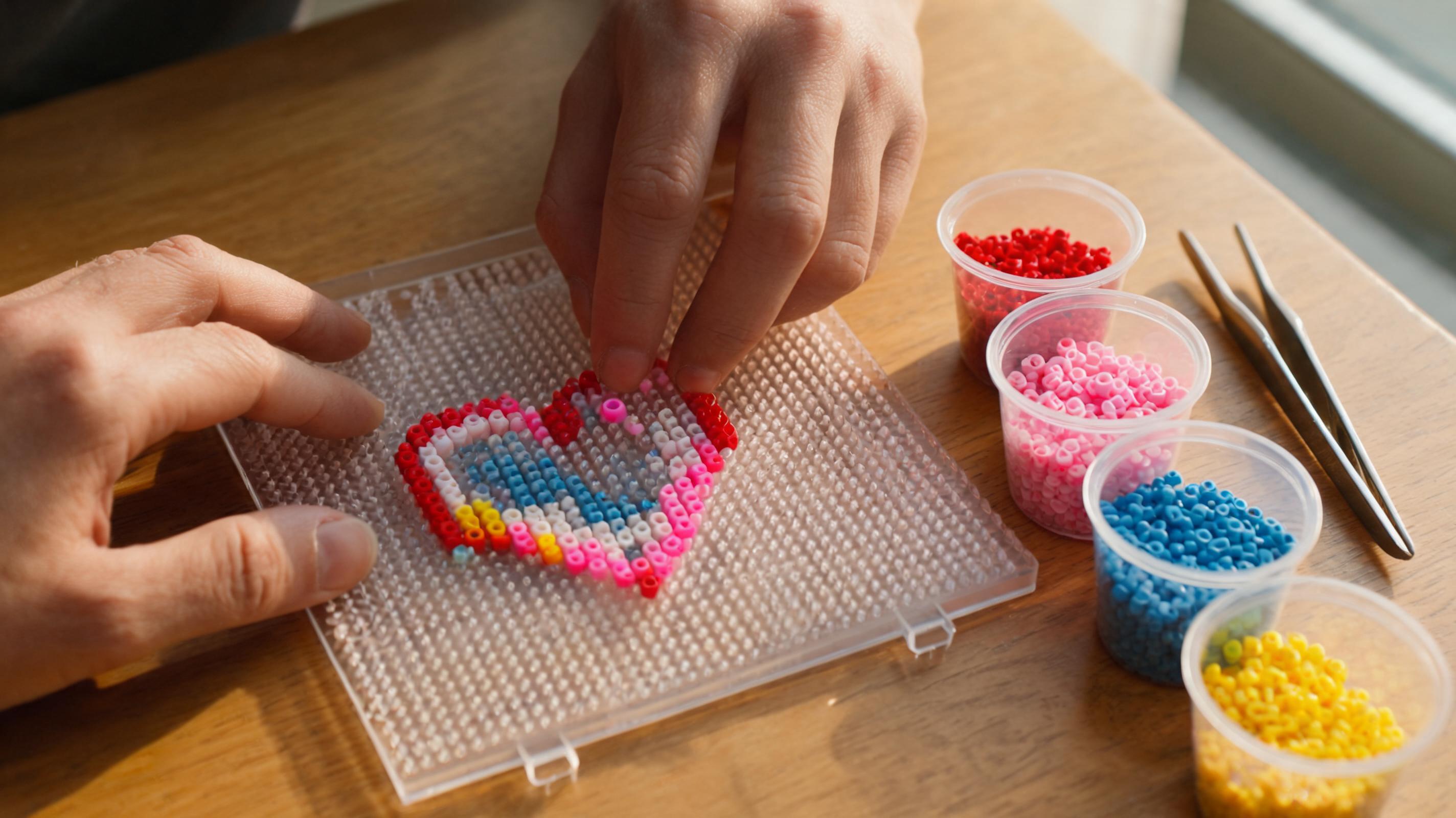
Pixel beads (often called fuse beads or Perler beads) are small cylindrical beads that snap onto a peg board. Each peg holds one bead. When you finish a design, you cover it with ironing paper and fuse the beads together with a household iron.
Every pattern in Pixel Bead studio is a grid: one cell equals one peg, one bead. That one-to-one mapping is why photos and pixel art can become buildable physical projects.
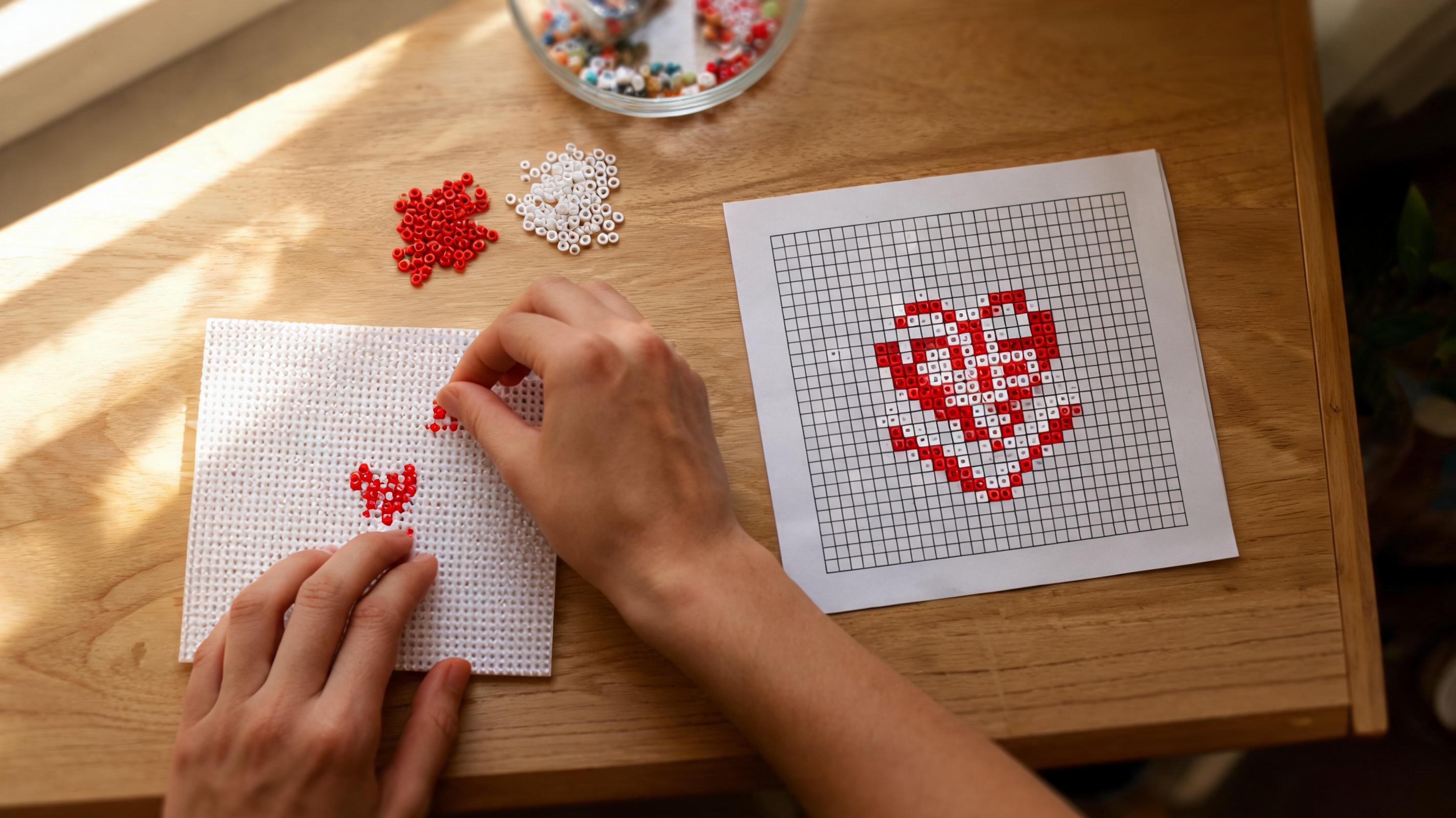
- One grid cell = one bead on one peg.
- Standard square boards are 29 pegs wide — our medium preset matches that.
- Larger designs span multiple boards; the app shows board counts in the stats panel.
Tools and Materials
You do not need much to start. A peg board, beads sorted by color code, tweezers or a bead pen, ironing paper, and an iron are enough for most projects.
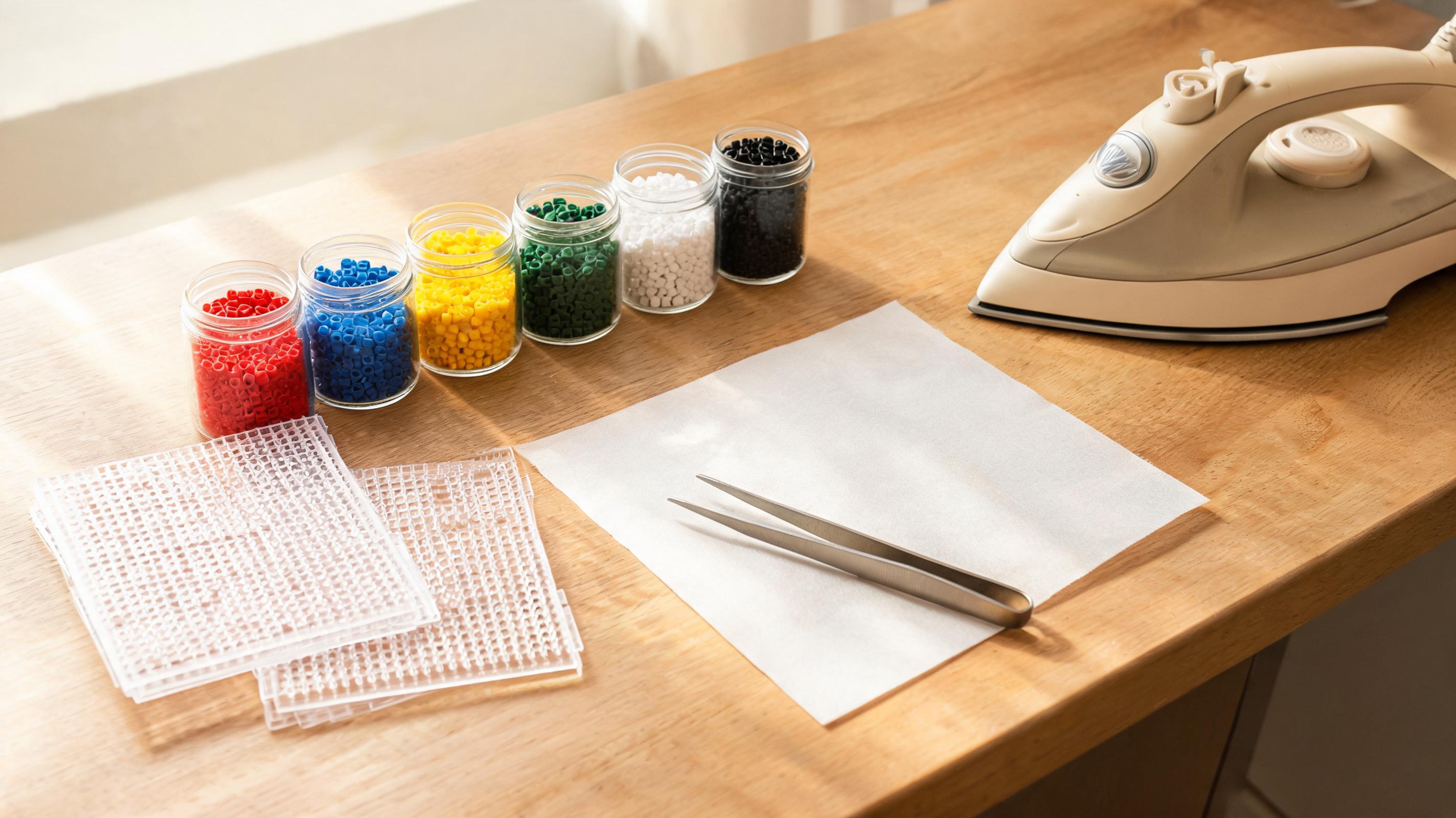
- Peg board — holds the pattern while you build.
- Beads — matched to a brand palette (MARD, Perler, Hama, and others in the app).
- Pattern guide — PNG or PDF export from the studio with color codes and counts.
- Tweezers — helpful for large grids and precise placement.
Other Names You May See
The same craft goes by several names depending on region and brand. Pixel Bead studio uses “pixel beads” as the general craft term and shows specific brand palettes when you pick a color set.
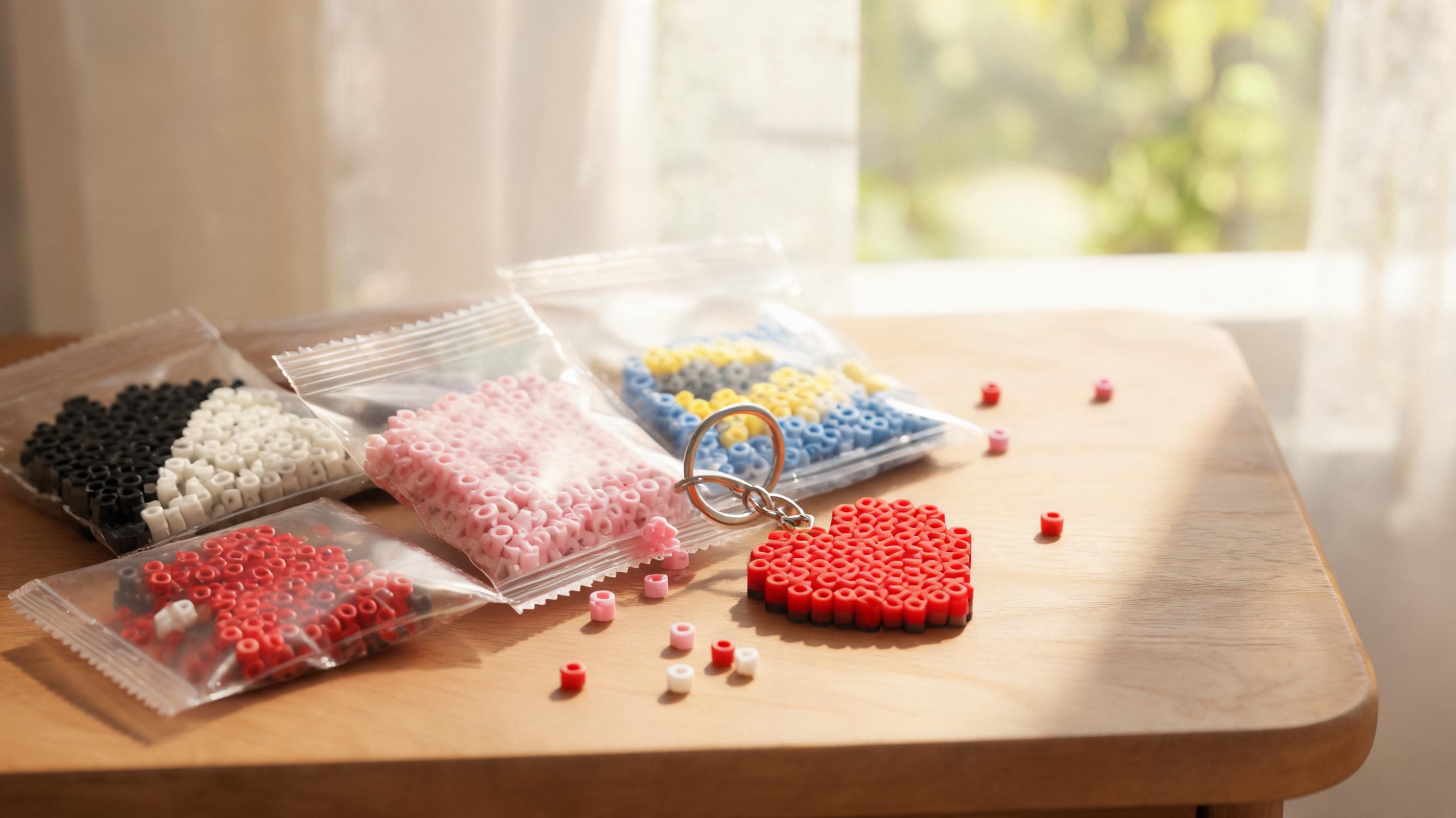
- Fuse beads — common in North America and the UK.
- Perler beads — a well-known brand name often used generically.
- Hama / Artkal / MARD — brand palettes available in the converter and creator.
Brand palettes differ slightly in color. Always build with the palette you selected in the app so your shopping list matches what you own.
Choose a First Pattern
Start small. A 29×29 single-board design with fewer than a dozen colors builds confidence before you tackle portraits or multi-board pieces.
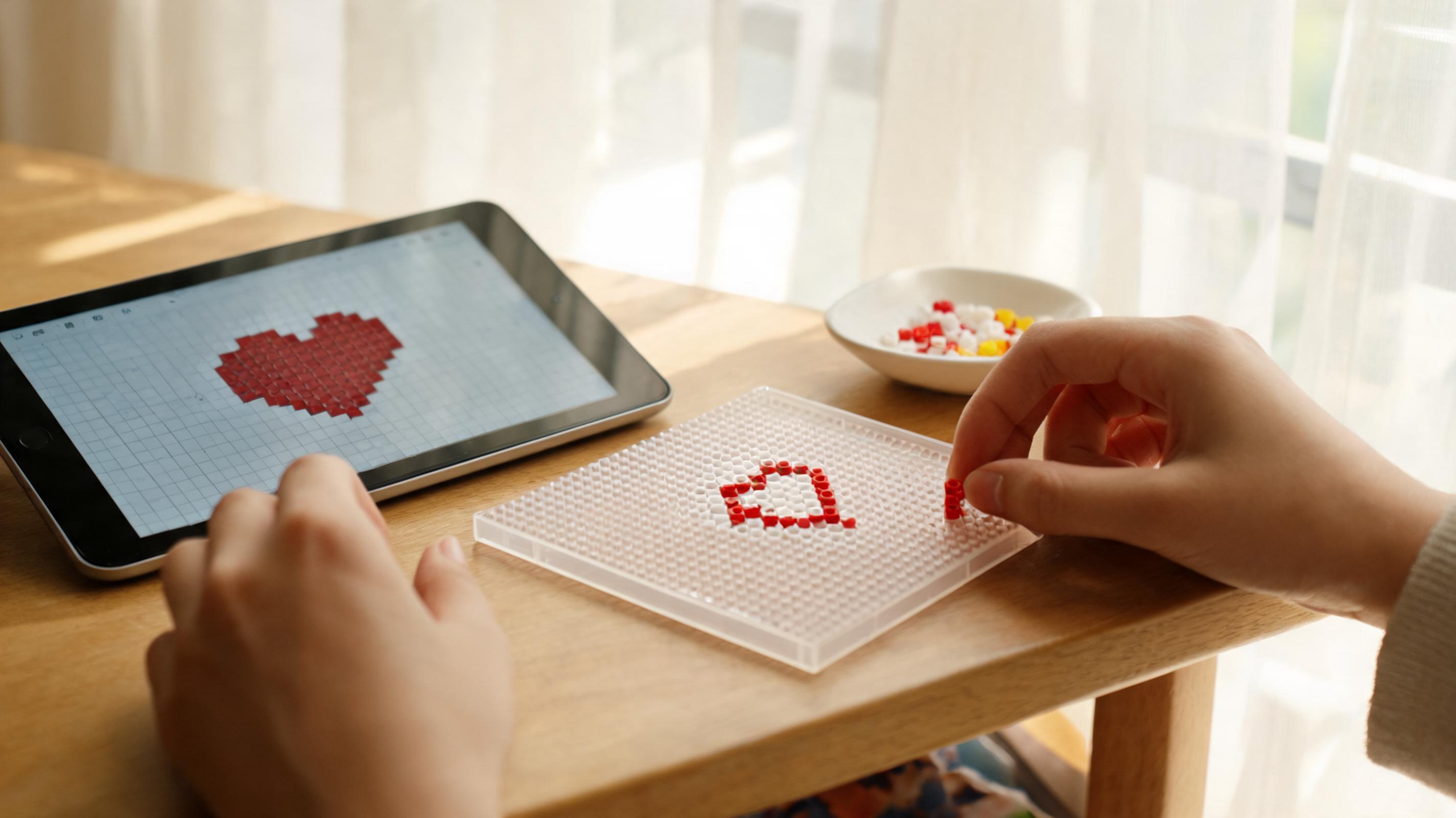
- Browse the pattern library for ready-made designs.
- Try the image converter with a clear, high-contrast photo at Medium size and the bead brand you own.
- Open Create from Scratch on a 16×16 mini canvas to learn the editor tools.
Reference notes
Sources & further reading
- Standard Fusing MethodPerler