Pixel Bead guide
Image to Pixel Bead Pattern
Turn a photo into a bead-ready grid — from picking a source image to reviewing your material list.
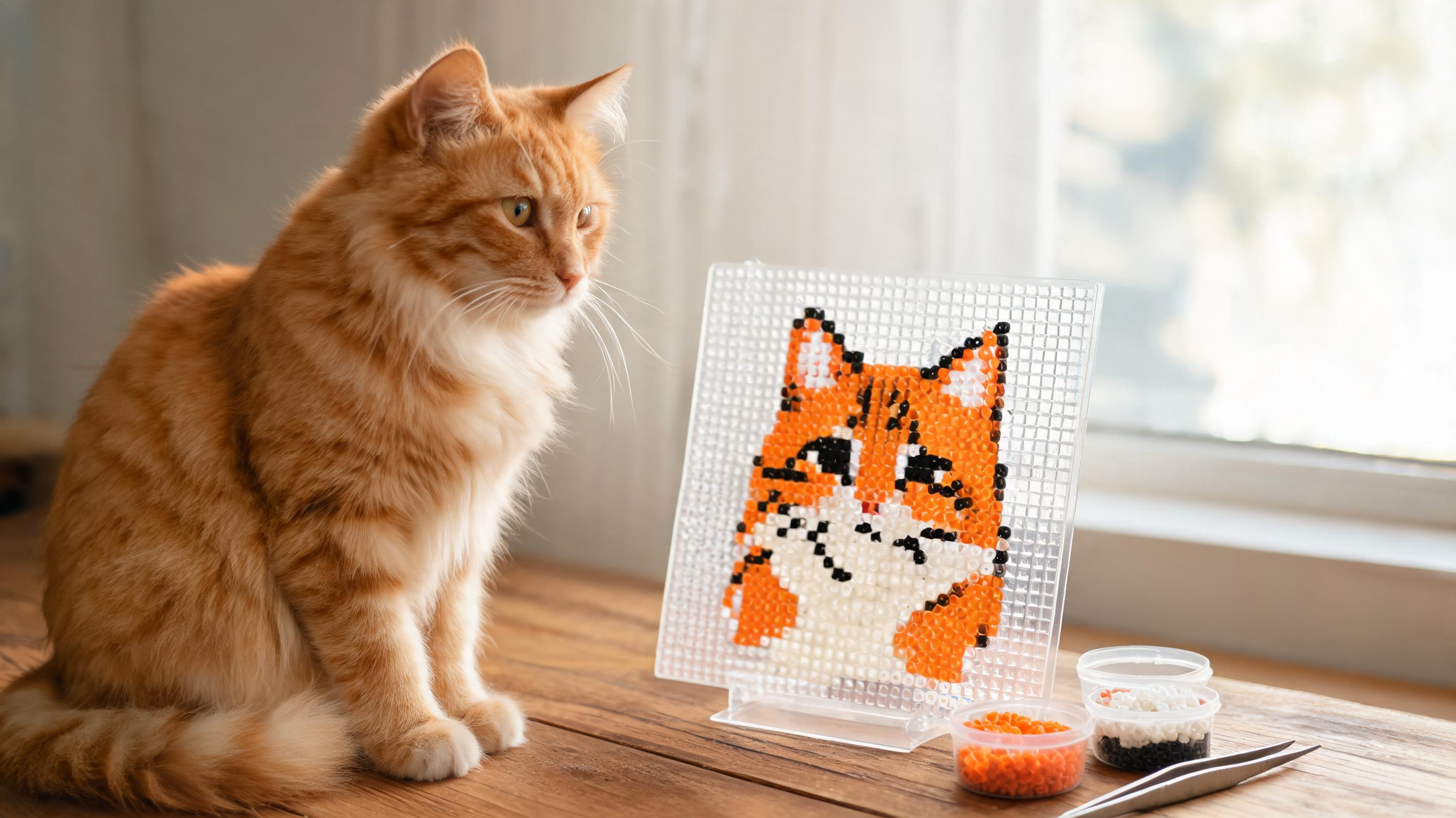
Choose a Clear Image
The converter works best with a single subject, even lighting, and strong contrast between the subject and background. Blurry phone shots and busy backgrounds produce noisy patterns with too many one-bead islands.
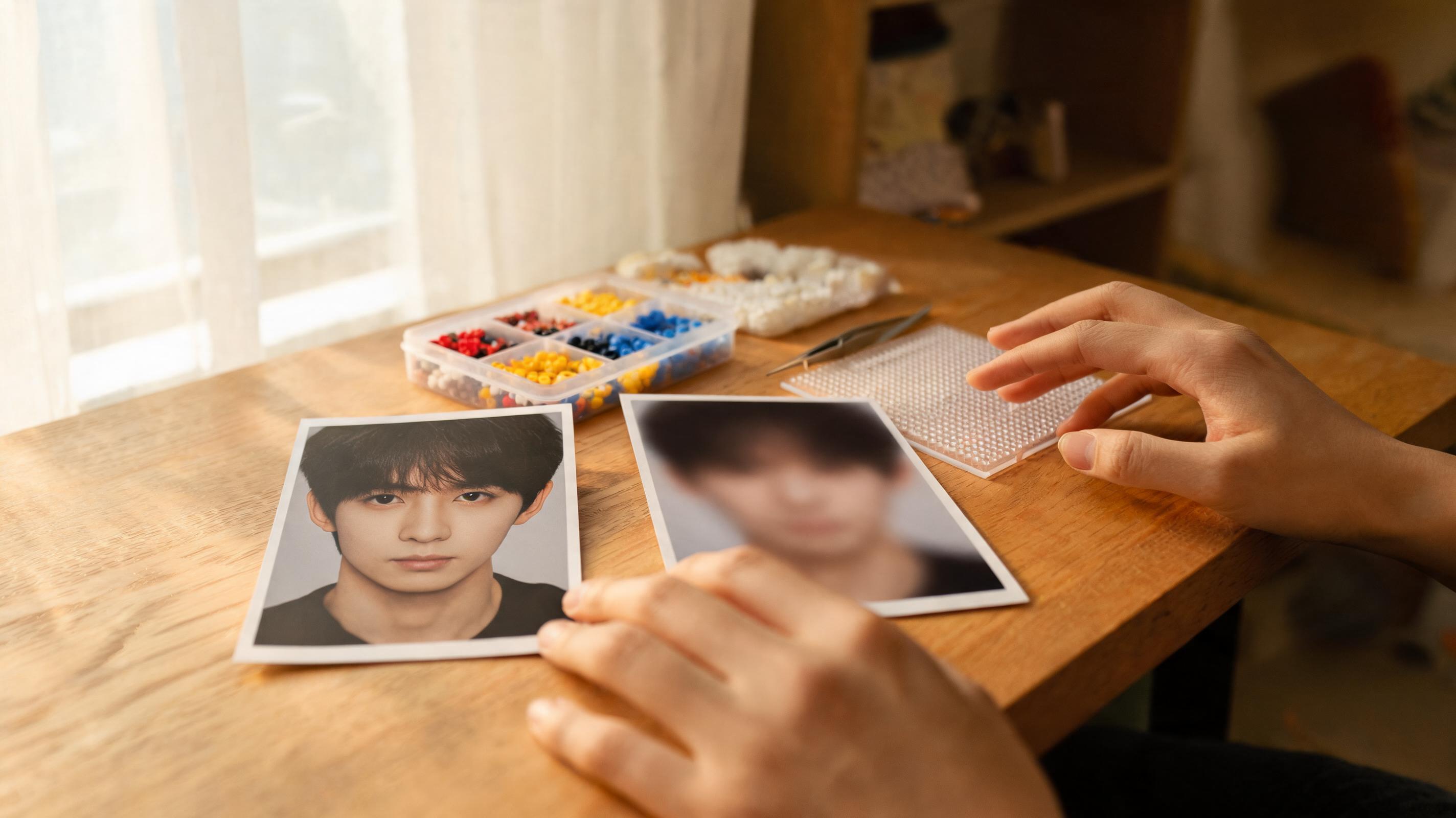
- Prefer PNG, JPG, or WebP under 10 MB.
- Portraits and simple icons convert more cleanly than detailed landscapes.
- If the background is messy, use background removal in More image settings after upload.
Set the Grid Size
Pattern size controls how much detail survives the conversion. Small, Medium, and Large set the pattern width to 29, 58, or 87 beads while the height follows the source image. Custom dimensions let you target a fixed board layout.
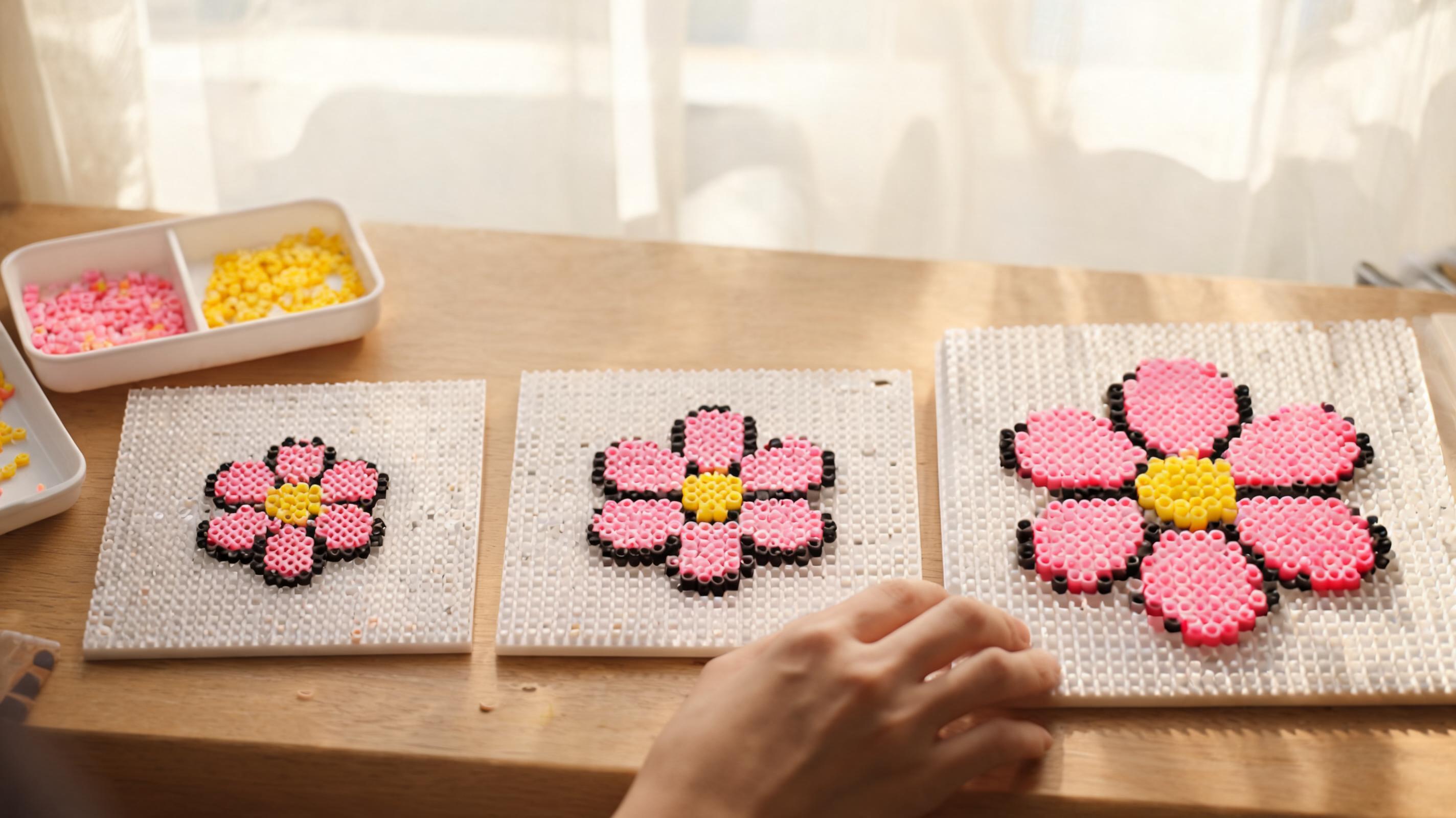
- Small · 29 wide — quick builds, fewer beads, less detail.
- Medium · 58 wide — good default for photos and portraits.
- Large · 87 wide — maximum detail; expect long build times and many colors.
- The cell counter warns you when a grid exceeds the app limit.
Choose the Colors You Can Build With
Real photos contain thousands of colors; bead palettes do not. The converter starts every cell against the complete palette for the selected brand. After matching, a shade used by no more than 0.1% of placed beads can merge into a perceptually close color already established in the pattern. Distinct rare accents remain available, so this simplifies near-duplicate materials without imposing a total color cap. With dithering Off, near-tie colors can also follow a locally continuous surface so soft yellow and gray shadows do not break into isolated specks.
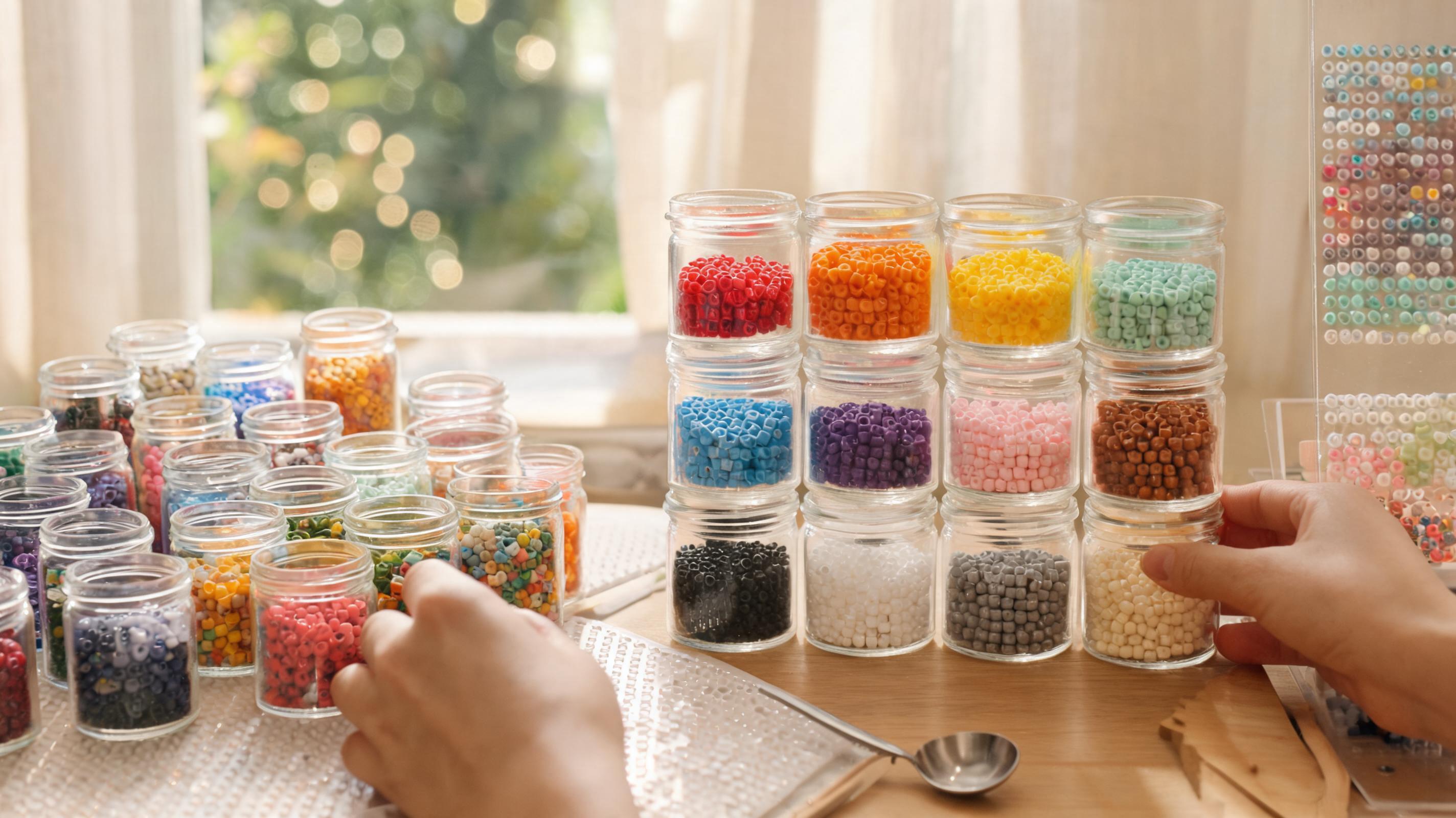
- Choose MARD 221, Perler, Hama, Artkal S, or COCO before interpreting bead codes.
- Enable Only use colors I own to match only the IDs selected for that brand.
- Select at least one owned color; an empty inventory intentionally stops conversion.
- Simplify rare colors is on by default under More image settings; turn it off to retain every matched shade.
- Use Replace color in Creator if you deliberately want to merge similar shades later.
After conversion, check Pattern cleanup in the download panel. It finds single-bead islands and offers to merge them into neighboring colors.
Review the Material List
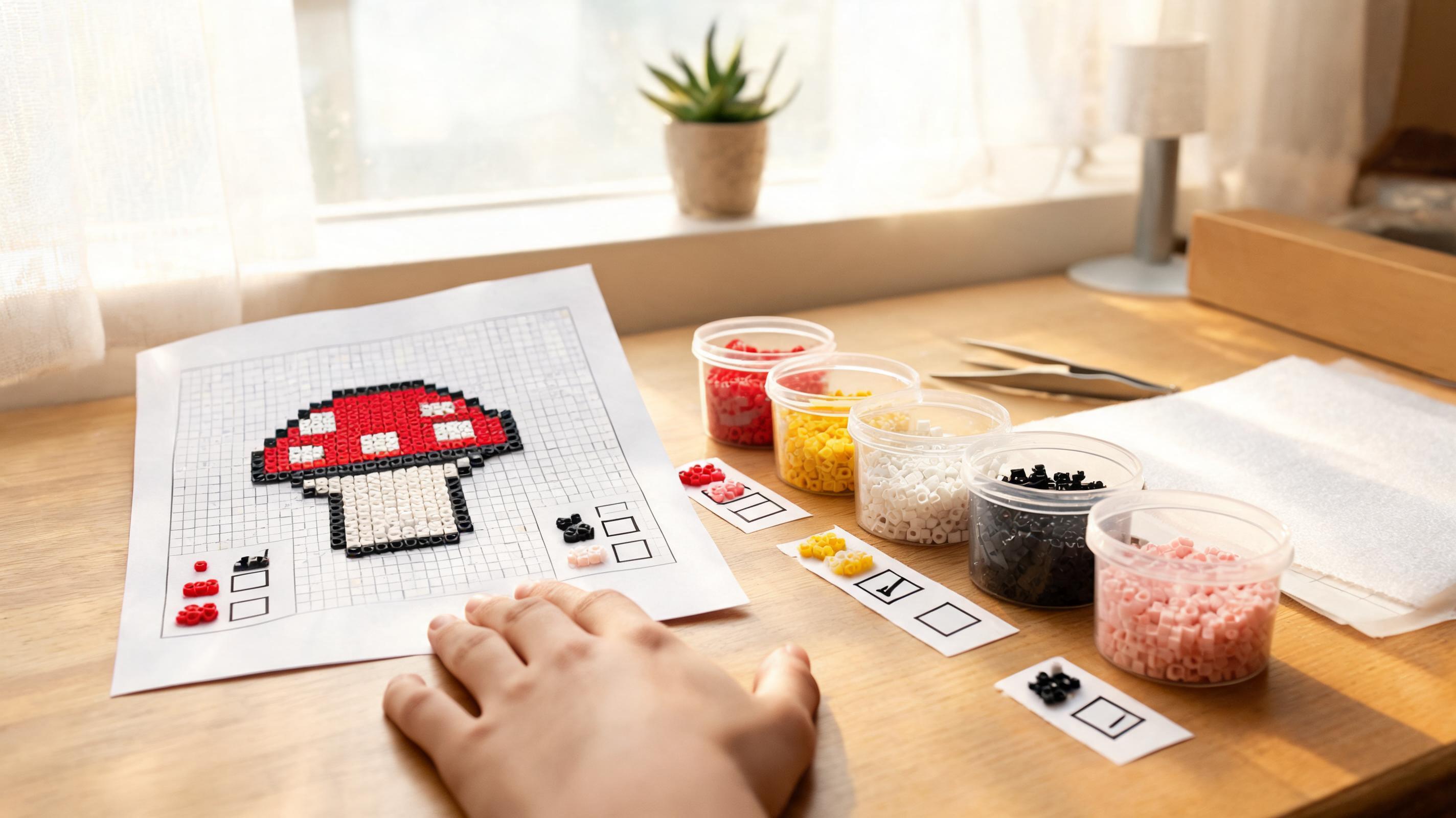
The Materials list in the right panel is your shopping and sorting guide. Each row shows the bead ID, color name, and exact count. Expand it before you buy beads or pour cups onto the table.
- Beads — total pegs filled in the pattern.
- Colors — distinct bead IDs used.
- Boards — how many 29×29 boards the grid spans.
- Download guide exports PNG and PDF with codes on every cell.